
Skip to content
Tech4All Foundation
Programs

Practical classes designed around real life.

Every program is free, hands-on, and built for people who want to feel confident — not overwhelmed.

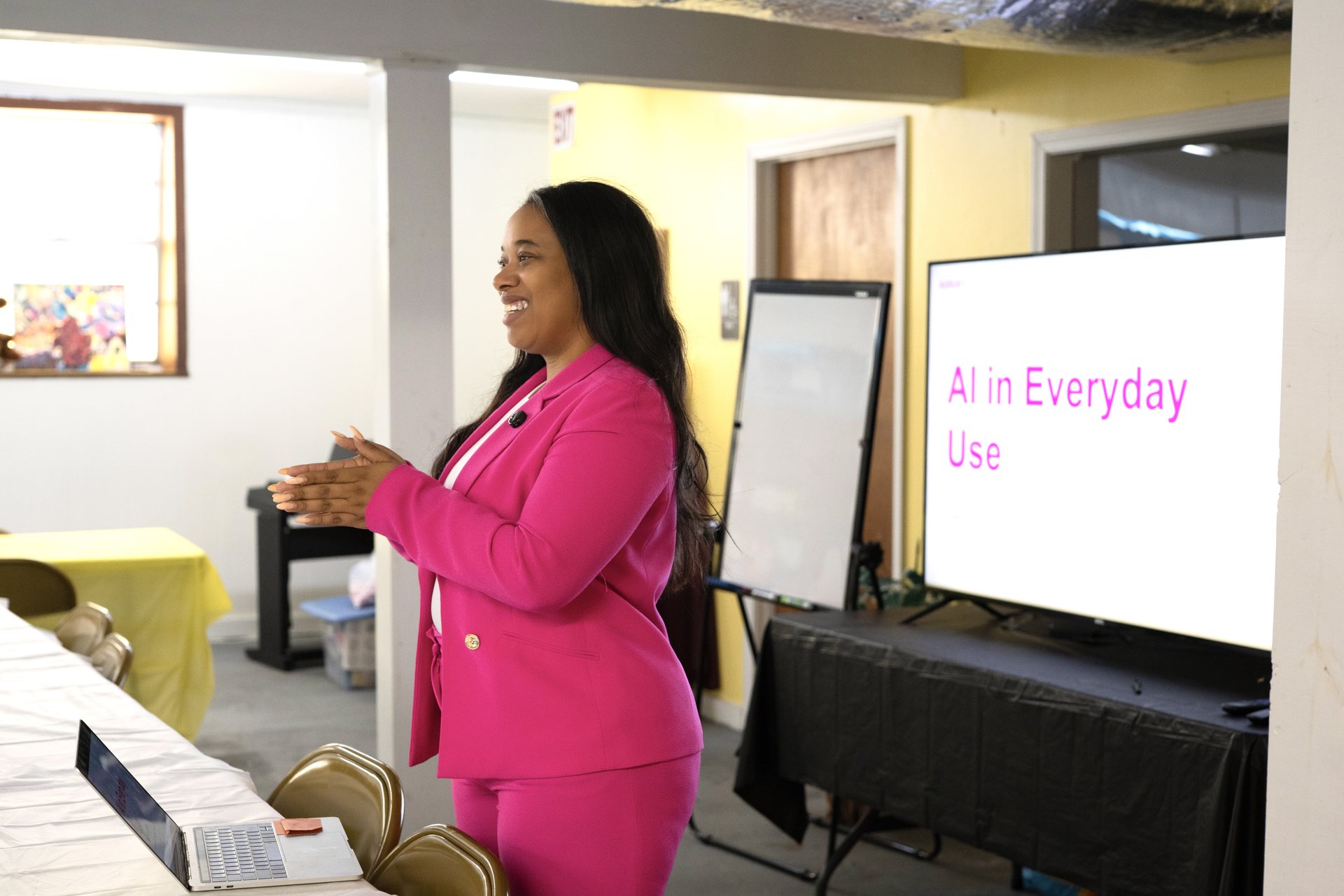
AI for Everyday Use — Senior Edition (Levels 1–3)

Adults 55+ new to AI3 sessions · 90 min each
Learning Objectives
  • Understand what AI is (and isn't) — in plain language.
  • Use AI to write letters, summarize documents, and answer questions.
  • Recognize when to trust AI answers and when to double-check.
What Participants Will Learn
Chat basics with a friendly AI assistant
Using voice input instead of typing
Summarizing news, recipes, and family emails
Safety habits and privacy basics
Who Should Attend

Anyone who has heard about AI and wants a comfortable, no-pressure introduction.

Smartphone Essentials — iPhone

Beginner iPhone users4 sessions · 60 min each
Learning Objectives
  • Confidently navigate settings, calls, and messages.
  • Manage photos and share moments with family.
  • Install and organize apps safely.
What Participants Will Learn
Home screen and Control Center
Camera, photos, and iCloud basics
FaceTime and Messages
App Store and updates
Who Should Attend

New or hesitant iPhone owners who want to feel in control of their device.

Smartphone Essentials — Android

Beginner Android users4 sessions · 60 min each
Learning Objectives
  • Master core Android navigation and settings.
  • Manage contacts, calls, and messages.
  • Set up Google account safely.
What Participants Will Learn
Home, apps, and quick settings
Google Photos and cloud backup
Messages and video calls
Play Store and updates
Who Should Attend

Anyone using an Android phone who wants a friendly, step-by-step foundation.

Microsoft Office Essentials

Working adults & job seekers4 sessions · 90 min each
Learning Objectives
  • Create professional documents, spreadsheets, and slides.
  • Save and share files with confidence.
  • Build workplace-ready fluency.
What Participants Will Learn
Word document formatting
Excel basics: cells, formulas, tables
PowerPoint slide design
OneDrive & sharing files
Who Should Attend

Adults returning to the workforce, changing careers, or upskilling for their current role.

Google Essentials

Everyday internet users3 sessions · 75 min each
Learning Objectives
  • Use Gmail, Docs, and Drive with ease.
  • Search the web effectively.
  • Organize files across devices.
What Participants Will Learn
Gmail: labels, filters, safety
Google Docs & Drive
Search that actually finds what you need
Sharing and collaboration
Who Should Attend

Anyone who uses Google every day and wants to unlock what it can really do.

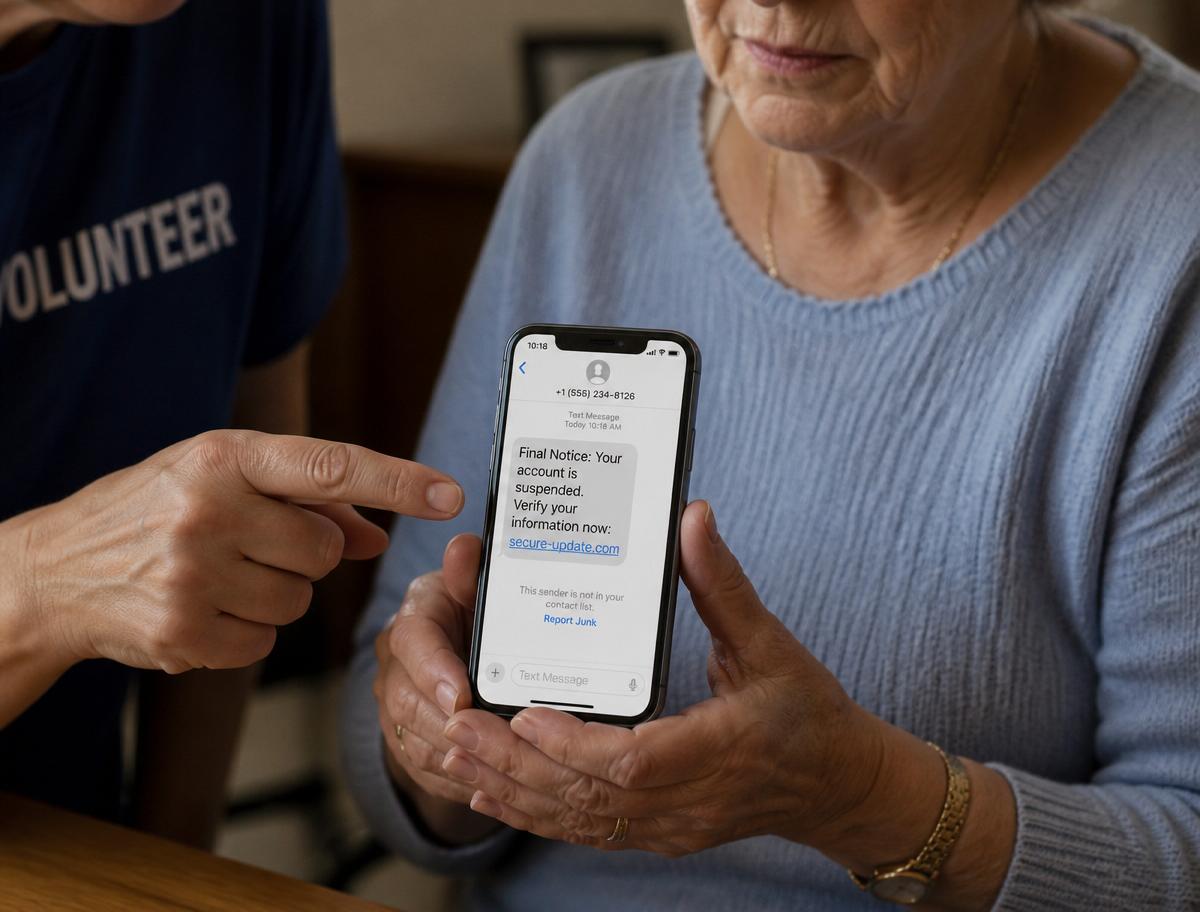
Digital Safety & Scam Protection

All ages — especially seniors2 sessions · 75 min each
Learning Objectives
  • Recognize the most common scams targeting older adults.
  • Build habits that prevent identity theft.
  • Know exactly what to do when something feels wrong.
What Participants Will Learn
Phishing texts, calls, and emails
Strong passwords made simple
Two-factor authentication
What to do after a scam attempt
Who Should Attend

Everyone — but especially adults 55+ and anyone helping a family member stay safe online.

FAQ

Common questions.

Don't see yours? Ask us here.

How much do programs cost?+

Every program is free for participants. Costs are covered by sponsors and community partners.

Where do classes take place?+

At our host partners: churches, libraries, senior centers, community centers, and housing communities.

Do I need to bring a device?+

No. Bring your device if you'd like, or use ours for the session.

Can I attend if I've never touched a computer?+

Absolutely. Our beginner tracks assume zero prior experience.